
M
Maria F.
★★★★★
So Easy to Get Started
“I honestly expected it to take a while to set everything up, but it was much easier than I thought. Within a few minutes I was already planning my week.”
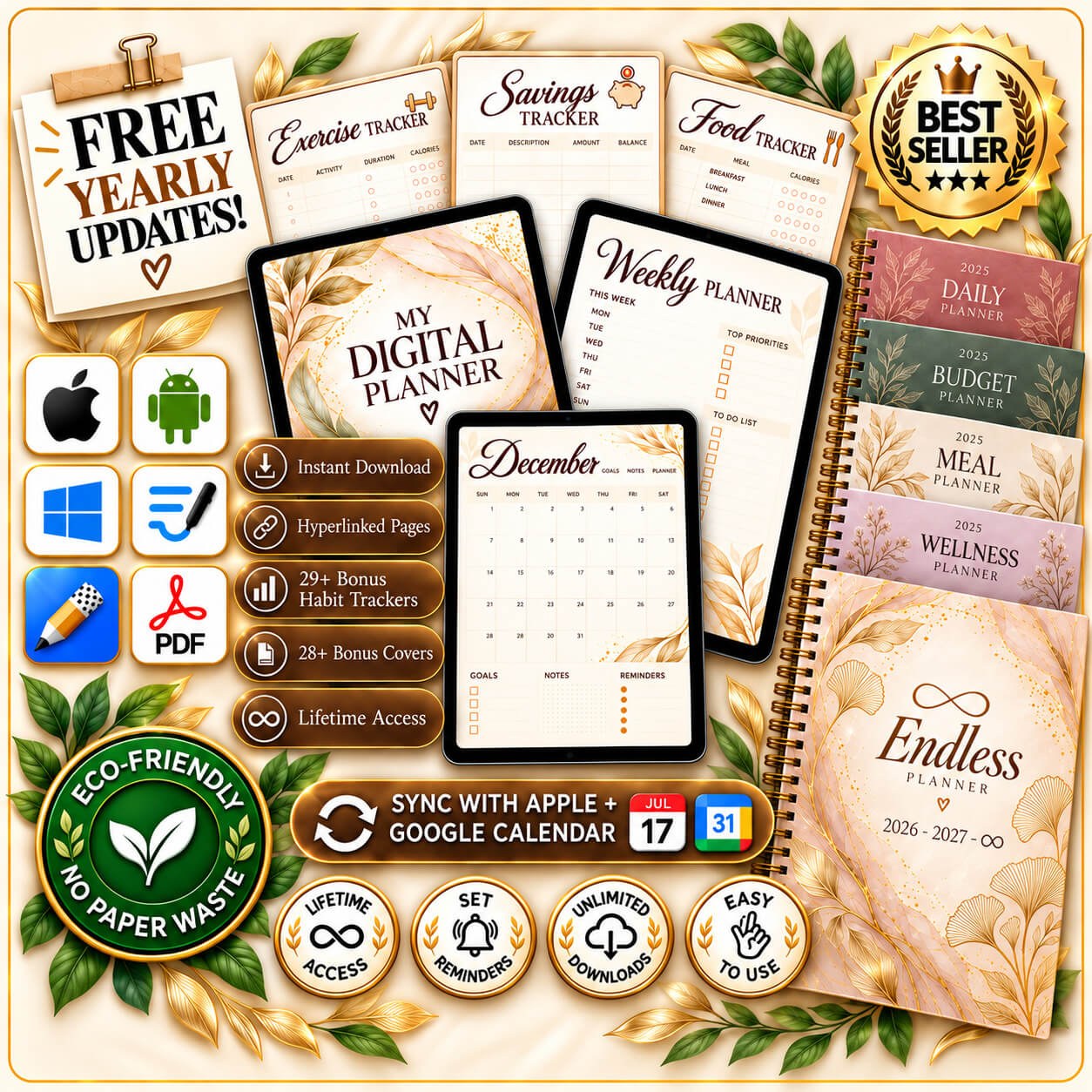
Plan smarter. Stay on top of your goals, effortlessly.
🎉 Join 11,000+ happy customers
2026–2029 + Undated included. Free yearly updates, forever — never buy another planner.
Instant download. Your files arrive by email in minutes — nothing is shipped.
What our customers say
“I honestly expected it to take a while to set everything up, but it was much easier than I thought. Within a few minutes I was already planning my week.”
“I’d never used a digital planner before, so I was a little nervous about switching. It was surprisingly simple to understand and now I use it almost every day.”
“I used to have notes on my phone, lists on paper, and reminders everywhere. Now I finally have one place where I can keep everything organized.”
“I love how simple and clean everything feels. There are plenty of options to organize things my way without making the planner feel complicated.”
“My weeks can get pretty busy and this has made planning them so much easier. I can quickly see what I need to do without feeling overwhelmed.”
“I wasn’t sure if I really needed another planner, but I’m so glad I tried this one. I actually use it consistently, which never happened with my old planners.”
“I’m not very tech-savvy, but I had no trouble figuring this out. Everything is laid out clearly and after a few minutes it already felt natural to use.”
“I’m usually the person with random notes and unfinished to-do lists everywhere. Having everything together has made it so much easier to stay on top of things.”
“I originally bought it because I loved the design, but it’s much more useful than I expected. I’ve been using it every day and I feel much more organized.”
“I really like being able to organize the planner around my own routine instead of having to follow one fixed system. It actually feels like it fits the way I plan.”
“I’ve tried several digital planners and usually stop using them after a few weeks. This one feels much easier to keep up with and has everything I actually need.”
“I had a small question when I first started using it and got help really quickly. The whole experience has been easy and I’m really happy with my purchase.”
“I’m NOT good with tech, but this planner was super easy to get going. The guide walked me through everything, and now it works on ALL my devices. So much better than the paper ones I used before. Totally recommend!”
“I’ve tried SO many planners and this is the ONLY one that actually works for me. I can make it 100% my own… like, customize EVERYTHING. And using it on my iPad! So easy and fun. I’m seriously never buying another paper planner again.”
Sound familiar?
When life feels nonstop, it's easy to get overwhelmed. The pressure to keep up makes it hard to focus on what really matters — and the planner that was meant to help is in a drawer by March. Endless Planner is designed to bring clarity, reduce stress and make space for the things that truly matter.
Appointments in one app, to-dos in another, goals in your head. Nothing connects — so nothing feels under control.
Paper looks lovely in January. By March it's half empty in a drawer and your week is back in five different apps.
New planner, new price, copy everything across again. Every January, forever.
Why Endless
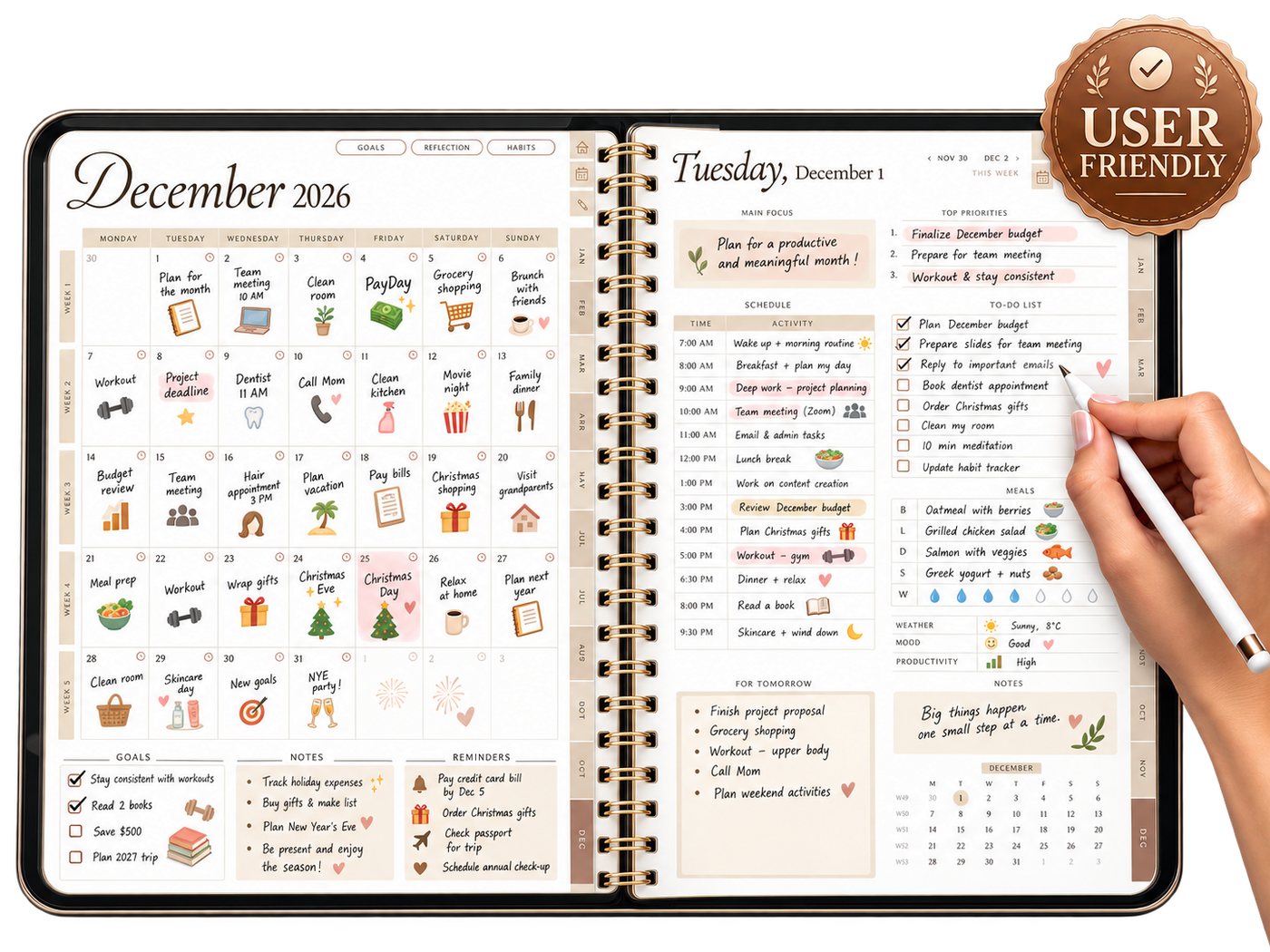
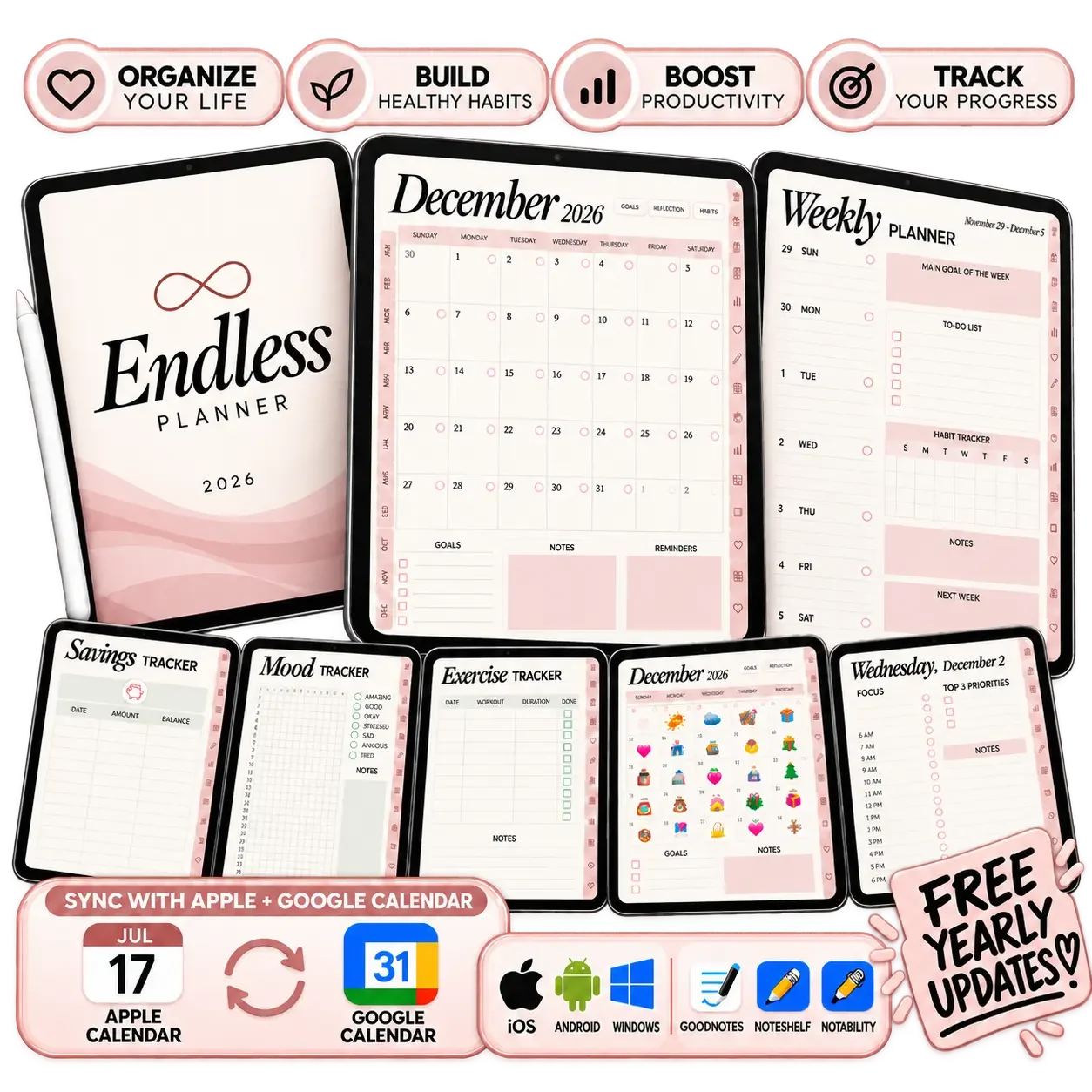
Days, weeks, goals, habits, budget and meals in one notebook — with 24,000 links, so every page is one tap away.
Stop retyping dates. Tap the clock on any day and the event is already in your Google or Apple Calendar.
Focus, priorities, to-dos and habits on every daily page. Buy it once — it updates itself every year, free.
Secure checkoutInstant download
What's inside
Jump to any page with a single tap — no scrolling, no searching.
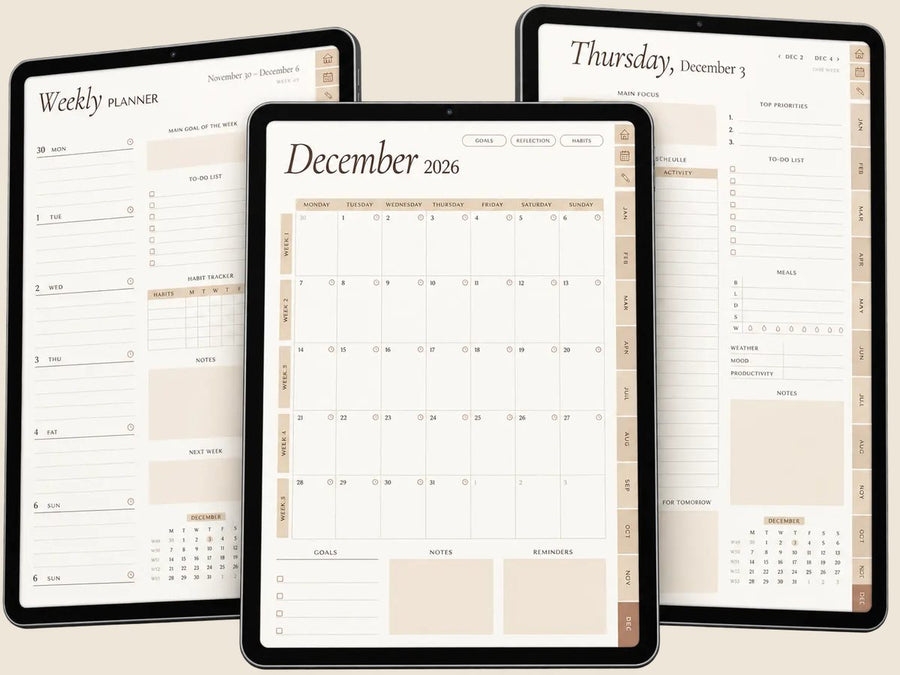
Plan your day, your week and your month in one place — fully dated 2026 – 2029, Sunday or Monday start.
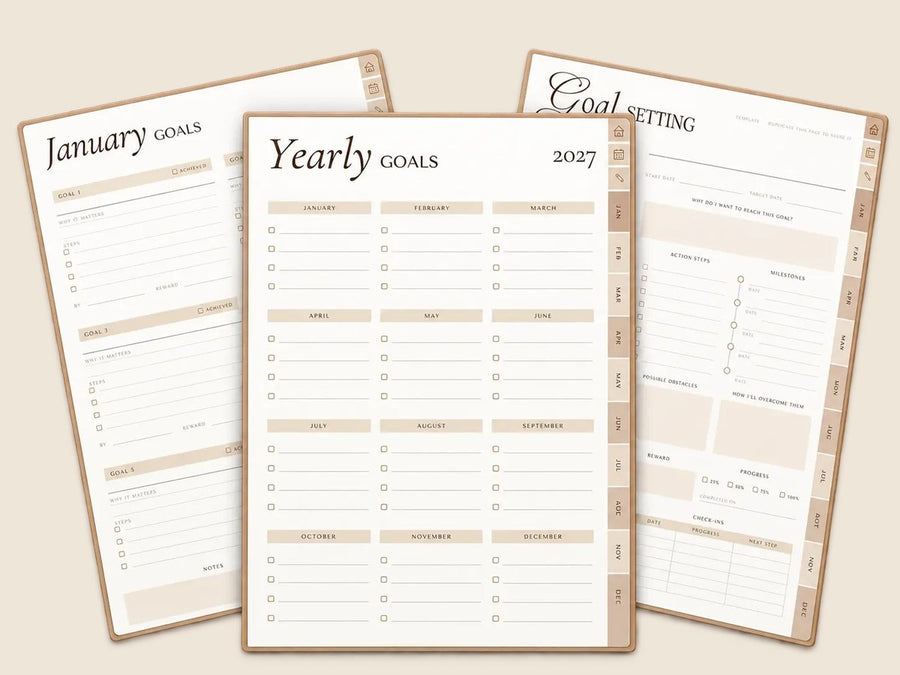
Turn your dreams into actionable steps: yearly goals, quarterly reviews, vision board, year in review.
Build better habits for a healthier life — twelve months already dated, nothing to duplicate.
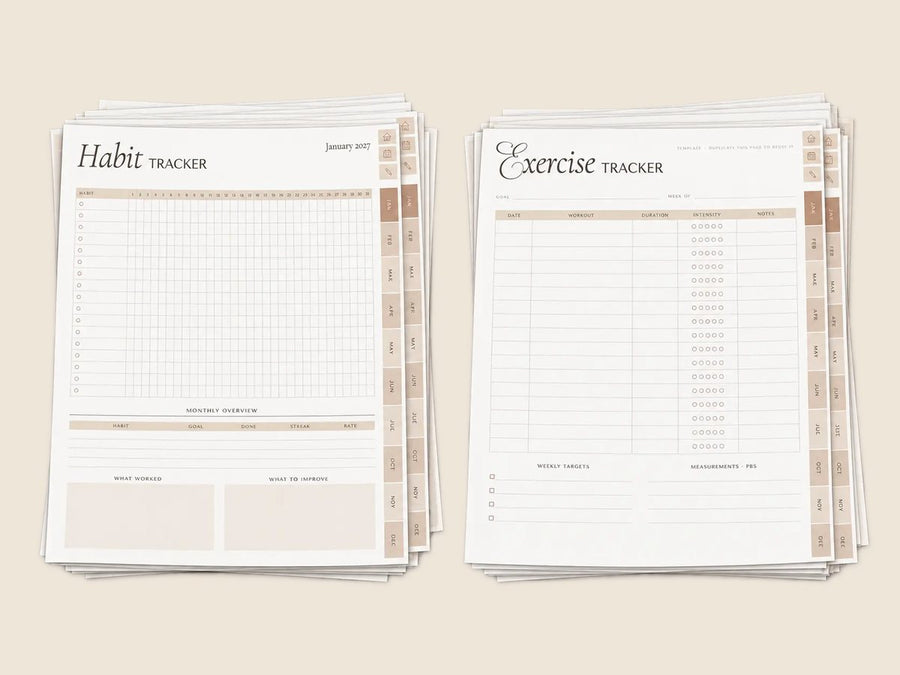
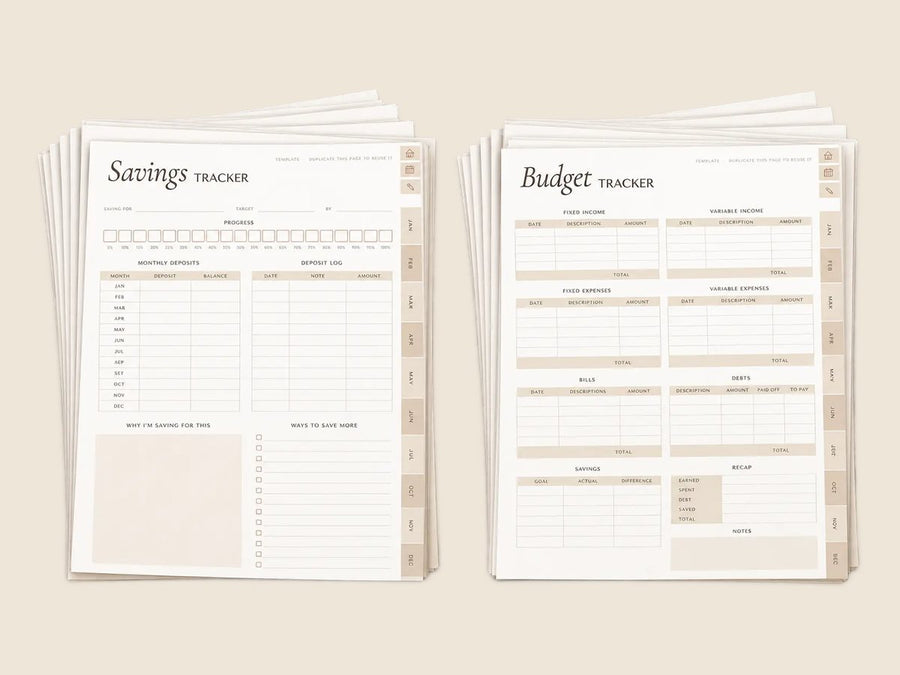
Stay on top of your finances effortlessly: budget, savings and meals planned every month.
Boost your focus and accomplish more every day: 30 templates and 50 note pages, from to-do lists to brain dumps.
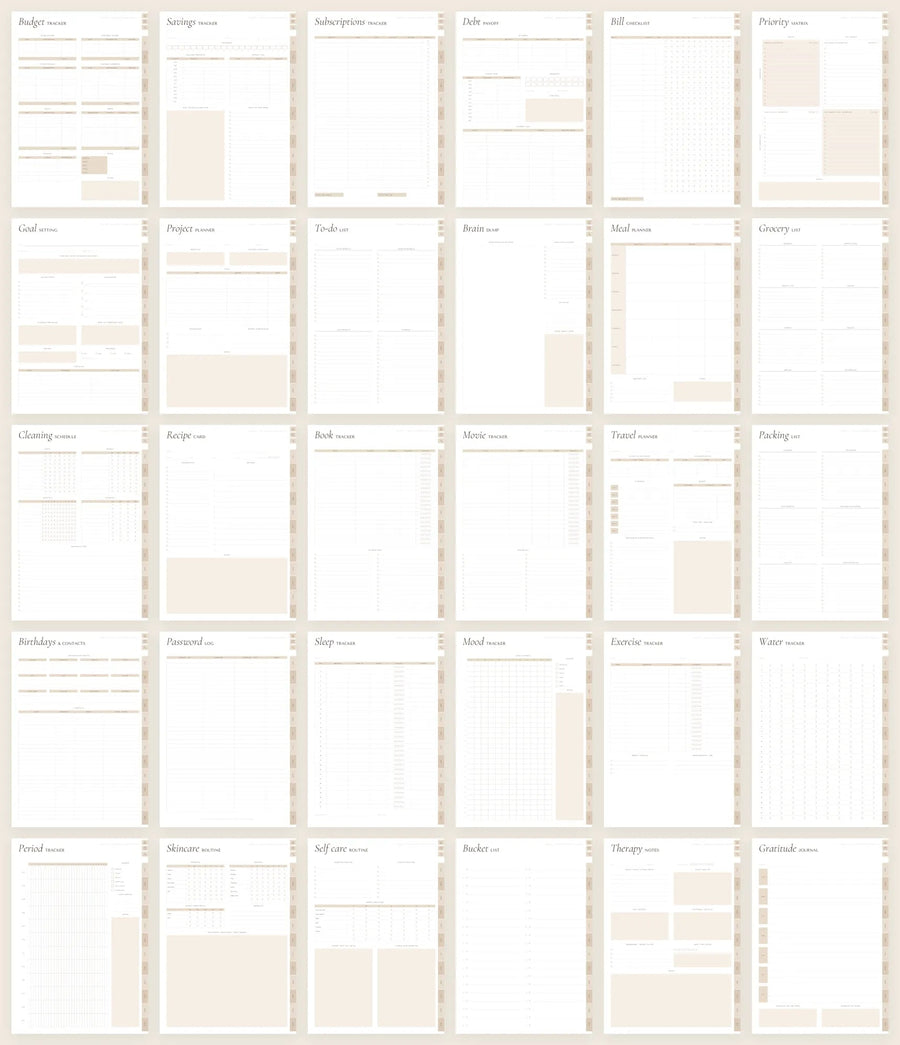
…and much more: monthly reflections, meal planners, quarterly reviews, notes, covers and stickers.
Compare
| Paper planner | A typical digital planner | Endless Planner | |
|---|---|---|---|
| Dated years included | One | Usually one | 2026 · 2027 · 2028 · 2029 + undated |
| Future years | Bought again | Bought again | Free, forever |
| Calendar buttons | — | Rarely | Google & Apple, every day |
| Week start | One | One | Sunday and Monday, both included |
| Orientation | One | Usually one | Portrait and landscape, both included |
| Habit, budget & meal trackers | A few pages | One page to duplicate | Already dated for all 12 months |
| Templates & notes | Fixed | Varies | 30 templates · 50 note pages |
| File size per year | Heavy in the bag | Often 20 – 60 MB | Under 3 MB |
| Stickers & covers | Bought separately | Sold separately | 860 stickers · 35 covers per year |
| After the sale | — | Varies | 30-day satisfaction guarantee · real support by email |
Tablet, desktop, mobile…
Fully compatible with Apple, Android and Windows, so you can plan from your tablet, phone or computer with ease. It works seamlessly inside the note apps you already know — GoodNotes, Notability, Xodo and more.
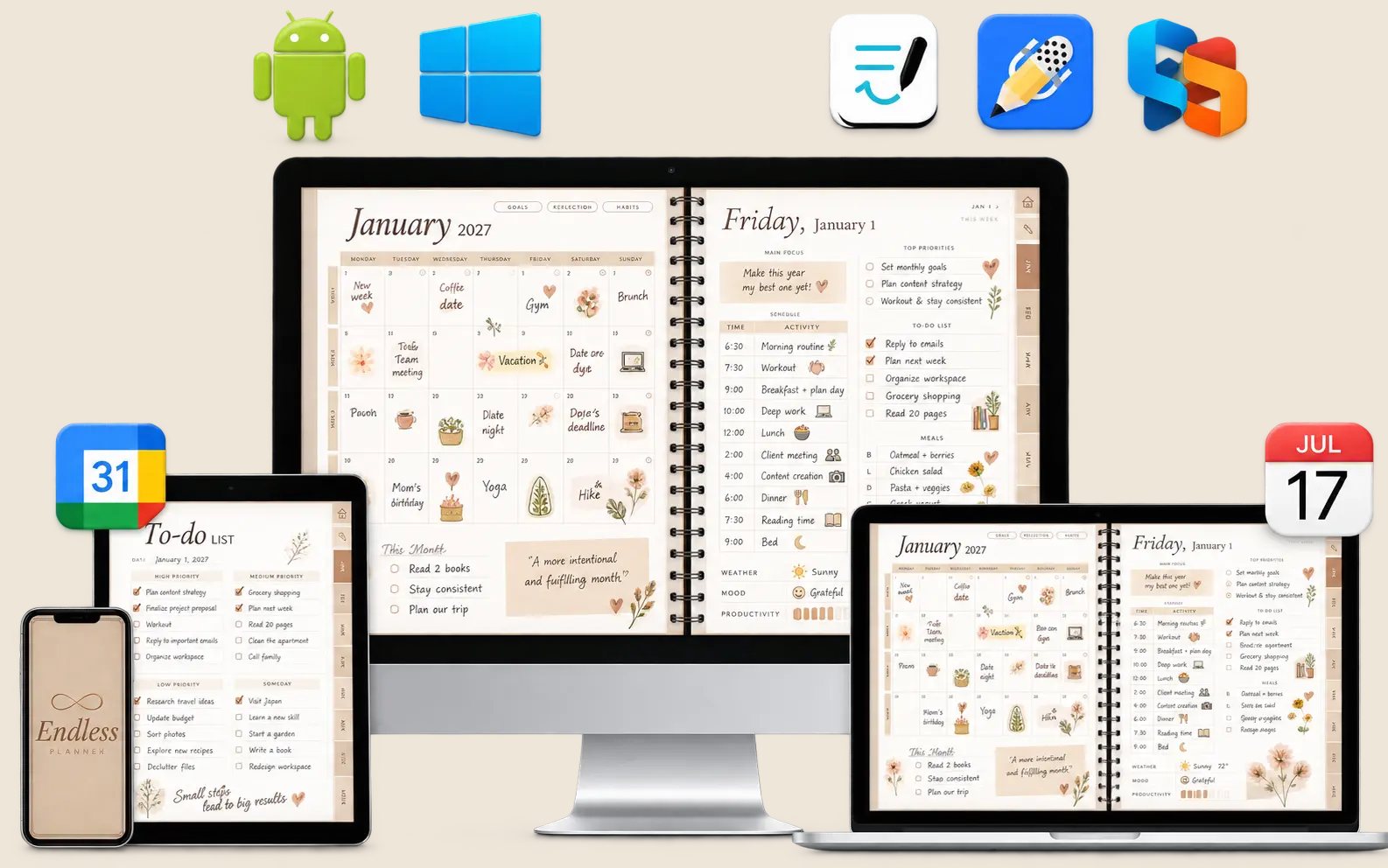
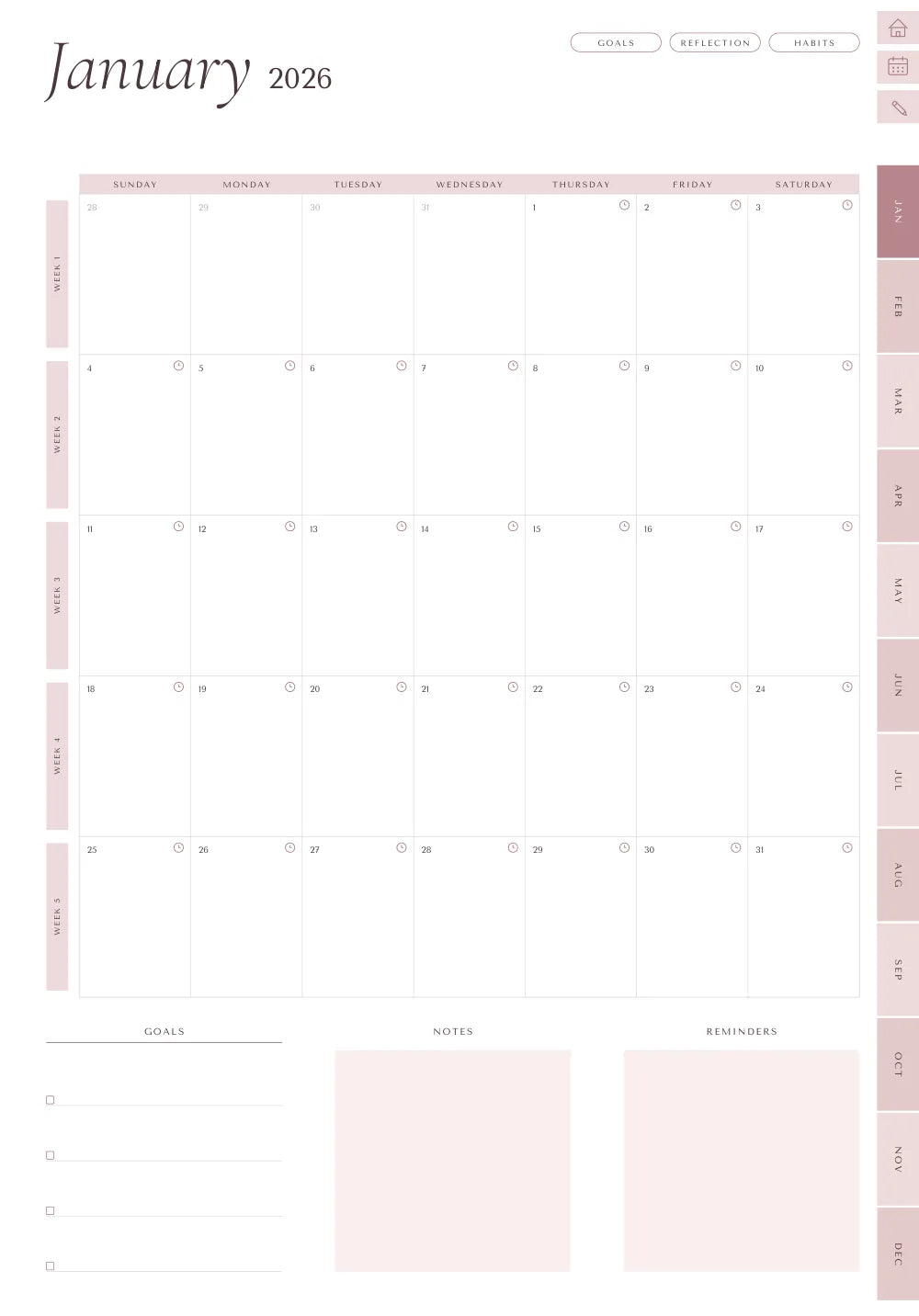
Calendar buttons
Every day in the planner has a small clock. Tap it and the event opens in Google Calendar or Apple Calendar with the right date already filled in. Type the title, save — done.
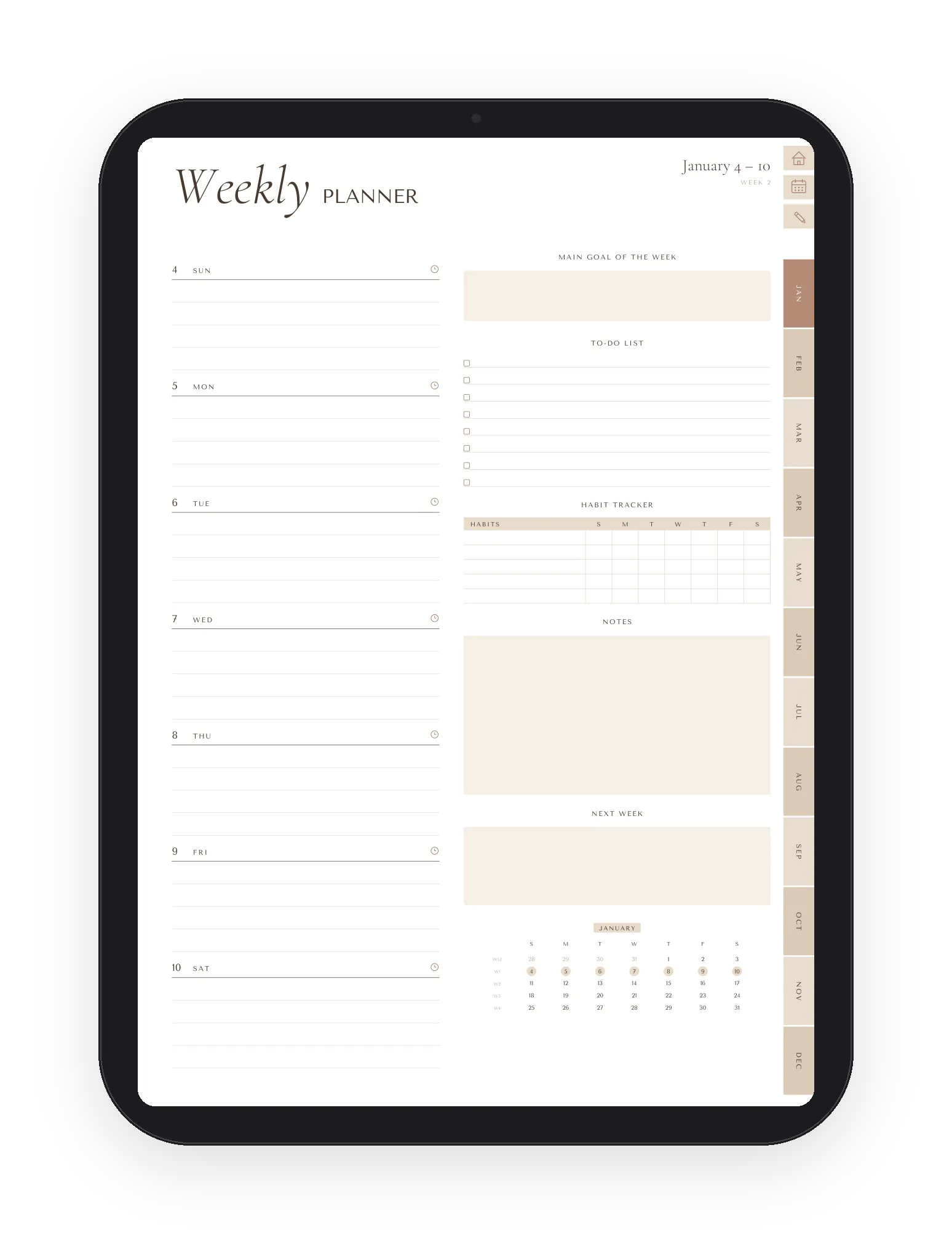
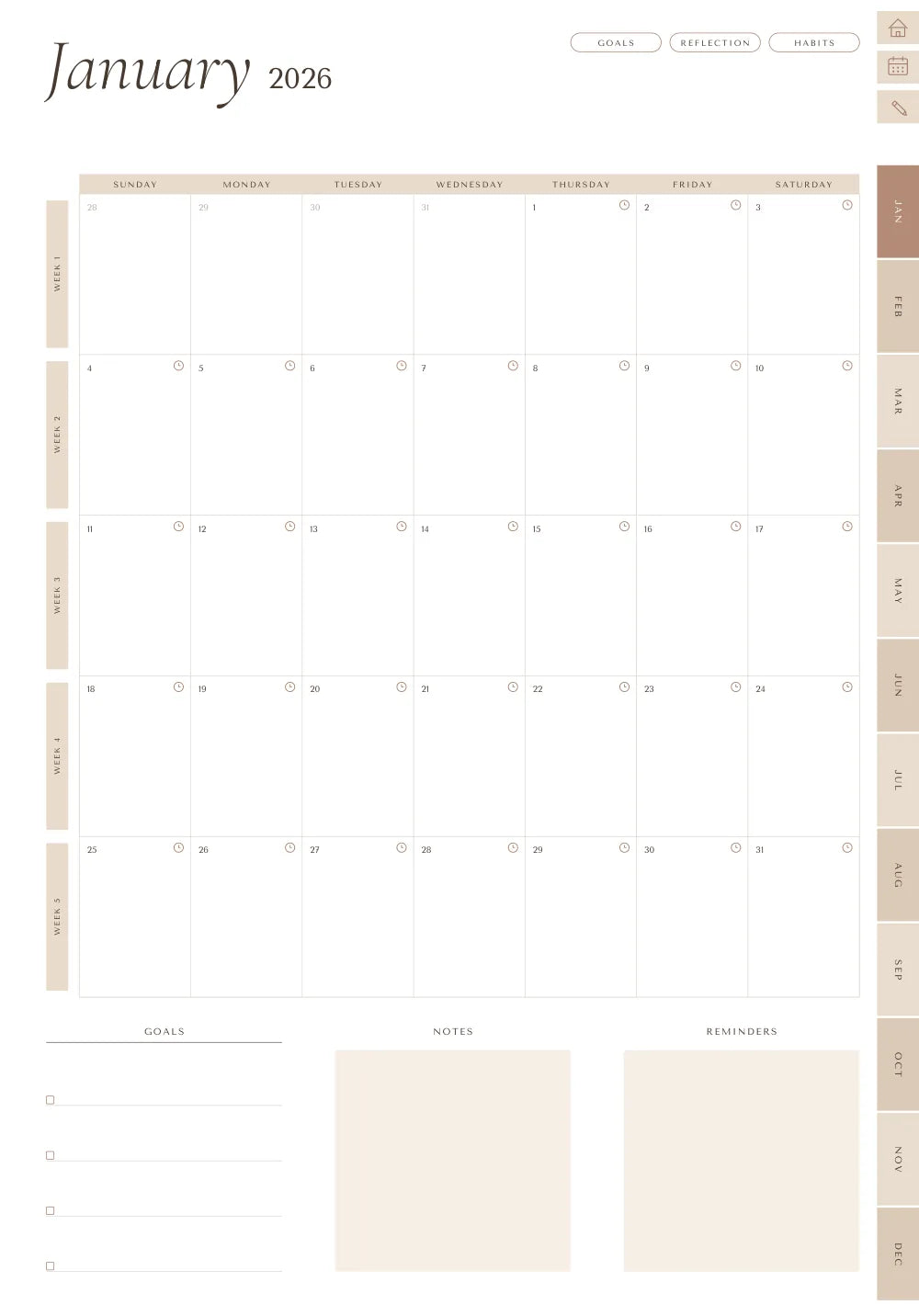
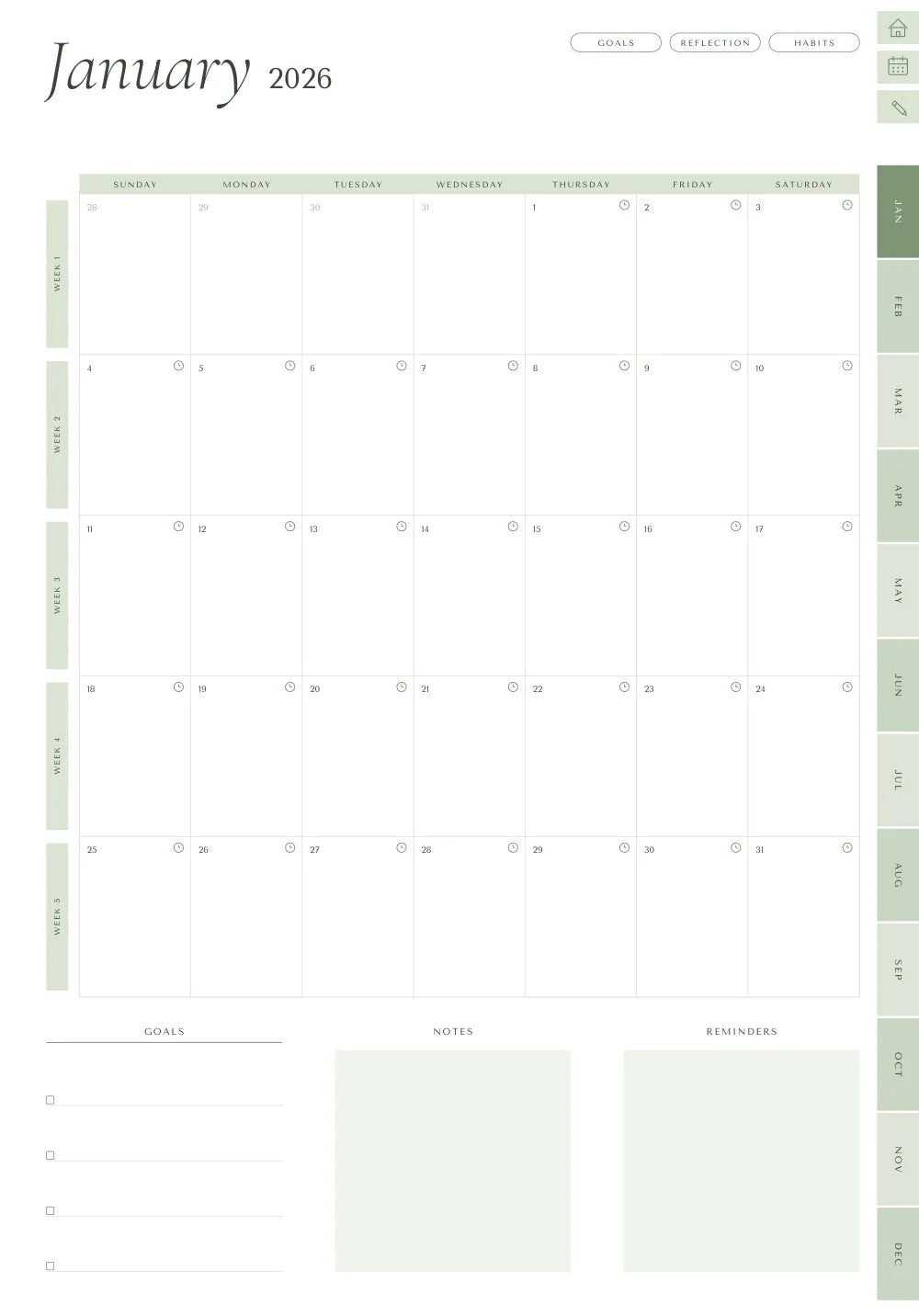
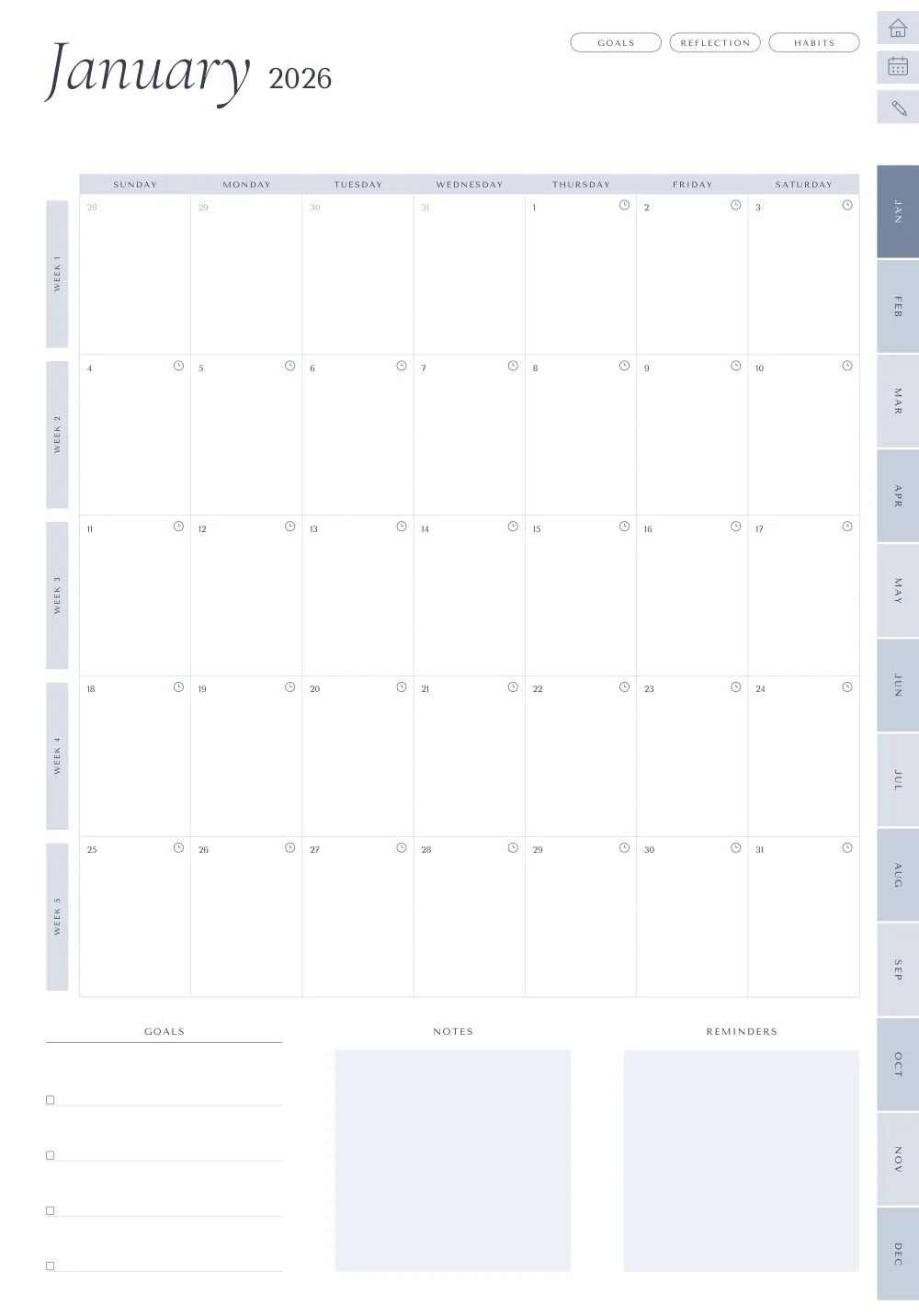
Choose your preferred look
Same layout, four color palettes — and all four are included with every purchase. Switch whenever you like; stickers and covers come in every theme too.
Get started
GoodNotes, Notability, Xodo or any note app on Apple, Android or Windows — a free one is enough.
Open the PDF from your download email. One tap and the whole year is in — the step-by-step guide is included.
Write, tap, plan. Get clarity, structure and control over your time — and add events to your calendar with one tap.
A note from the founder
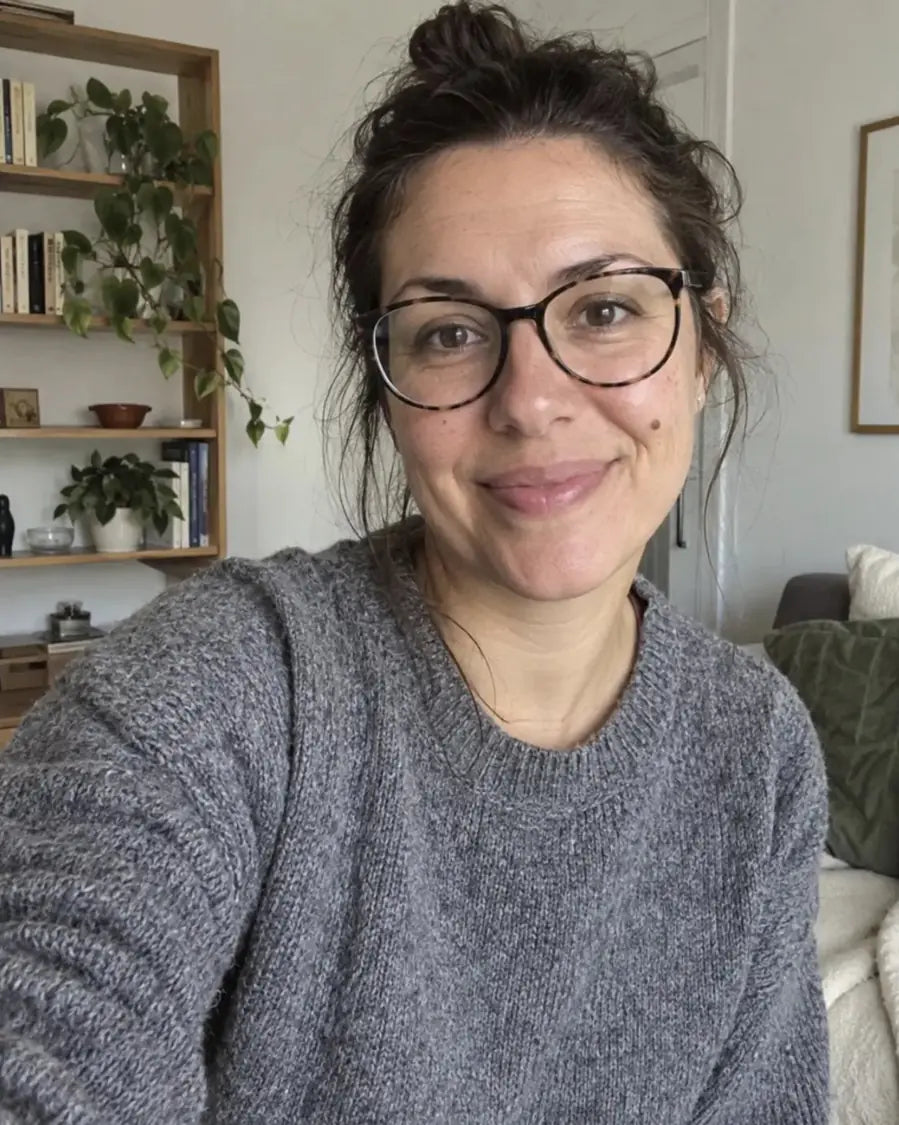
Hi, I’m Diana. I’ve always loved the idea of planning. What I never loved was the planner.
Some were beautiful but rigid. Others had every feature imaginable and somehow made planning feel like more work. And every January meant the same ritual: buy a new one, copy everything over, leave the old one half-empty on a shelf.
I wanted one planner that adapts to my life instead of forcing my life into someone else’s system. Simple enough to open every morning, flexible enough to hold my goals, routines, appointments and ideas — and made to last longer than a year.
So I built Endless Planner: every page one tap away, calendar buttons on every day, four years already inside and every future year added for free. Covers and stickers to make it yours. No half-used notebooks, no complicated systems, no starting from scratch in January.
Planning shouldn’t be one more thing on your to-do list. It should give you back a little clarity, a little time, and the feeling of being on top of your days. That’s what I wanted for myself — and why I made Endless Planner for you.
Here’s to making space for what matters most.
— Diana
🎉 Join 11,000+ happy customers
Includes 2026, 2027, 2028, 2029 + Undated · free yearly updates, forever
You get it all today for
That's €103 less than buying these separately.*
* Typical prices when these items are sold separately by digital-planner brands (September 2026).
Still wondering if it's right for you?
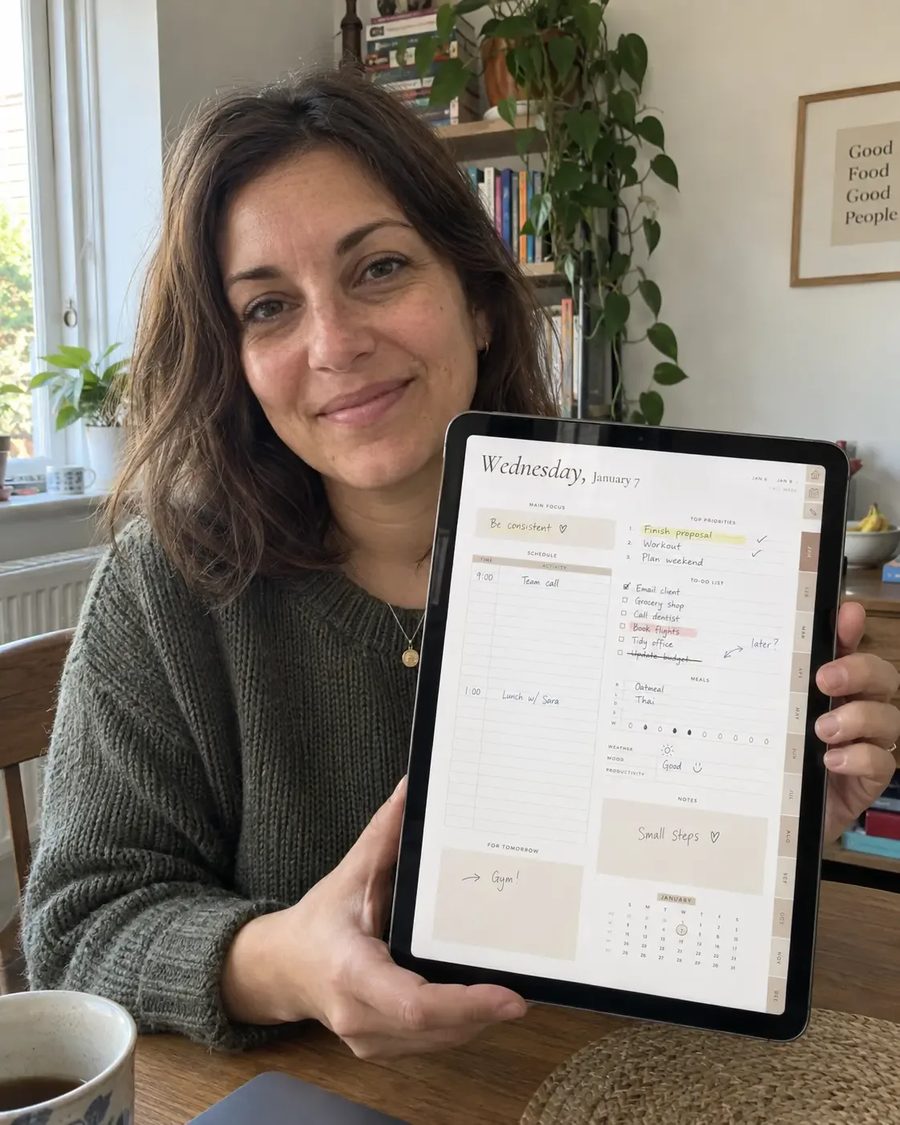
“I honestly expected it to take a while to set everything up, but it was much easier than I thought. Within a few minutes I was already planning my week.”
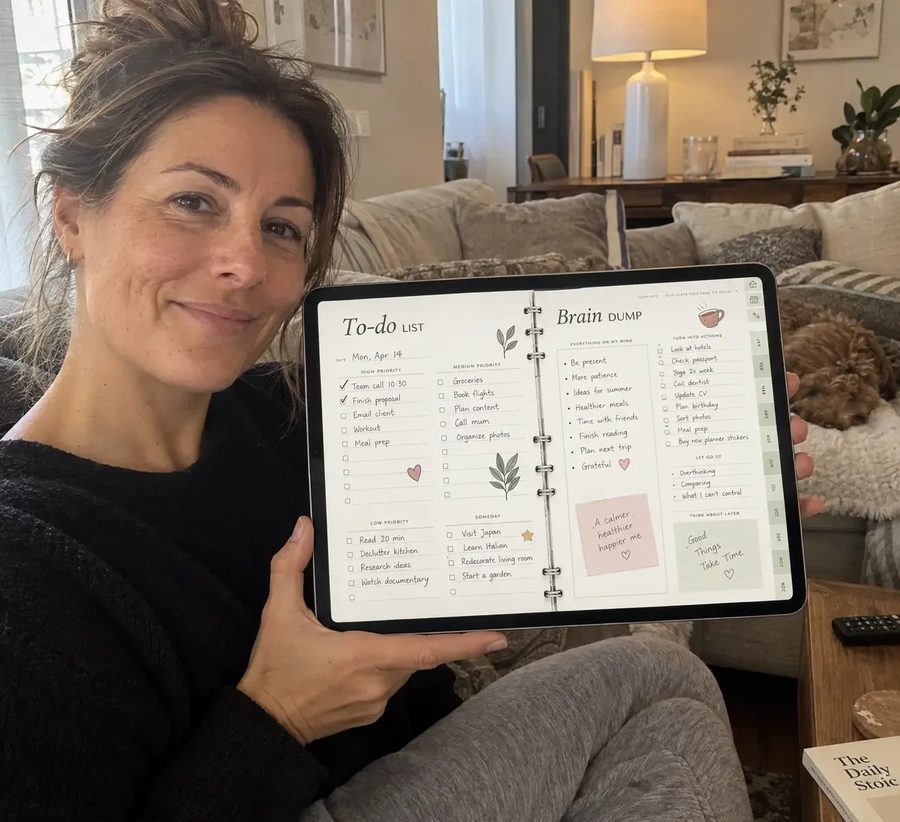
“I’d never used a digital planner before, so I was a little nervous about switching. It was surprisingly simple to understand and now I use it almost every day.”

“I’m not very tech-savvy, but I had no trouble figuring this out. Everything is laid out clearly and after a few minutes it already felt natural to use.”
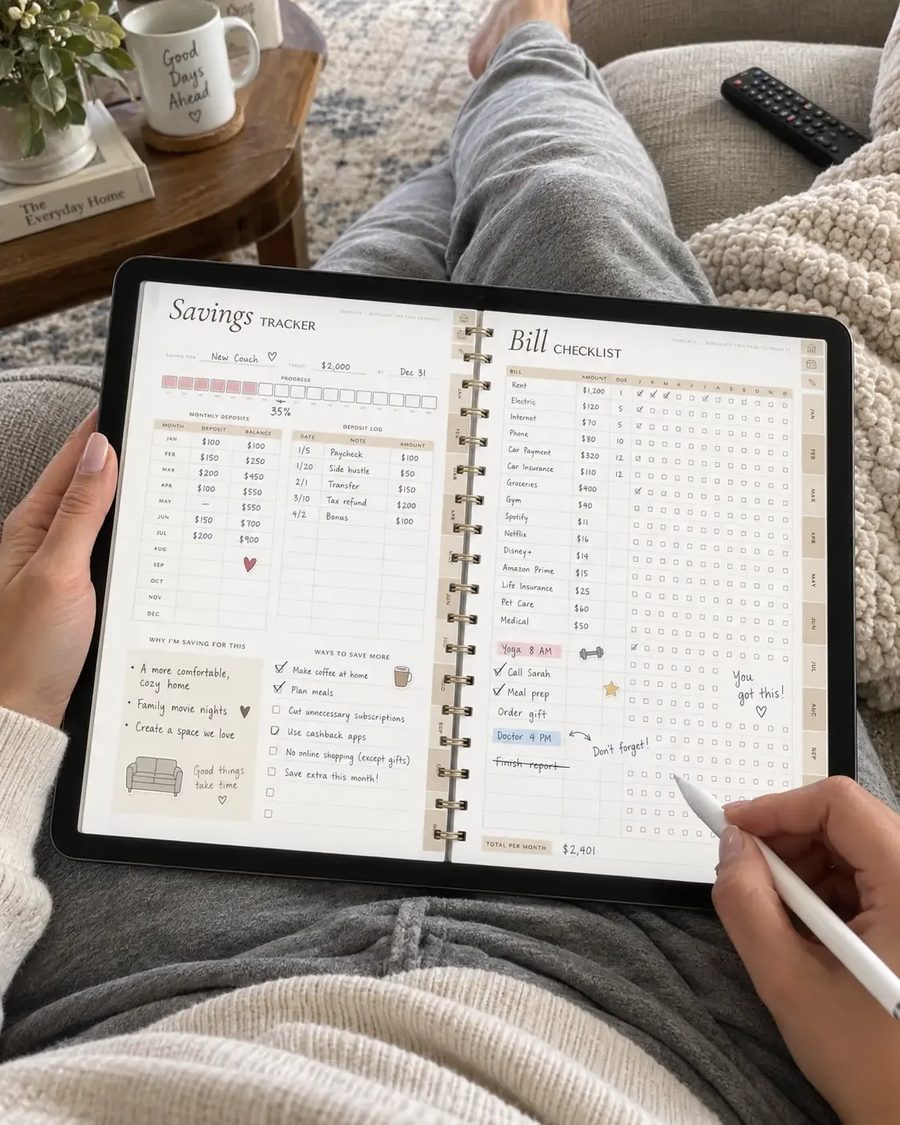
“I love how simple and clean everything feels. There are plenty of options to organize things my way without making the planner feel complicated.”
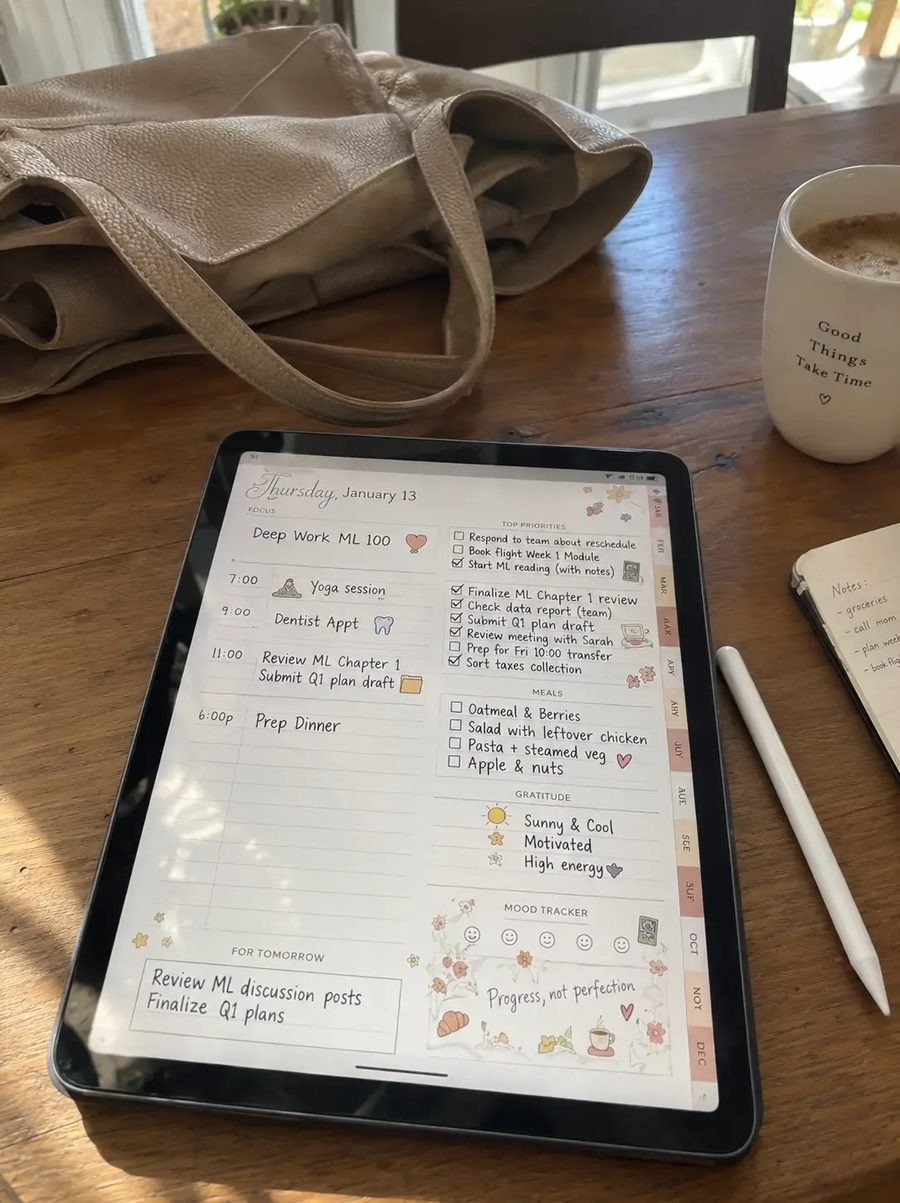
“I had a small question when I first started using it and got help really quickly. The whole experience has been easy and I’m really happy with my purchase.”
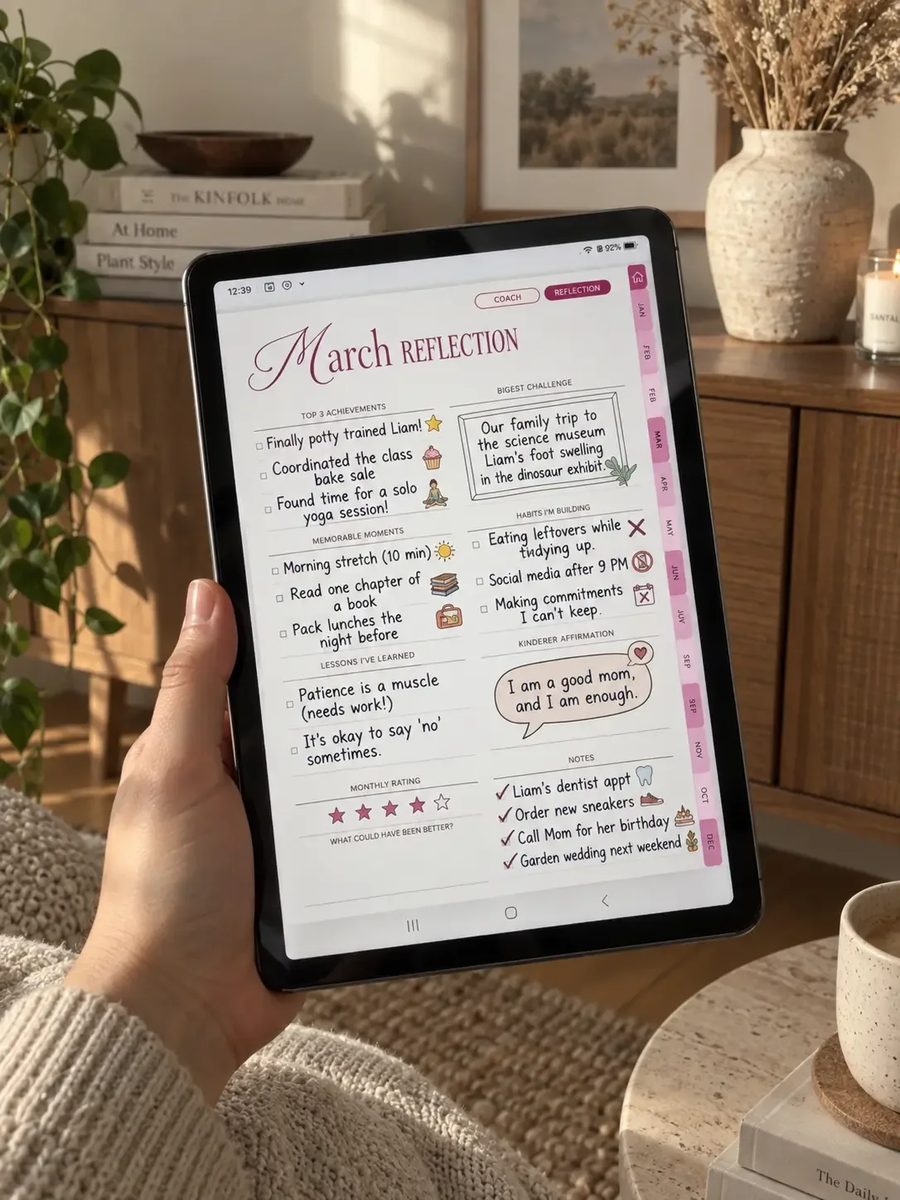
“I wasn’t sure if I really needed another planner, but I’m so glad I tried this one. I actually use it consistently, which never happened with my old planners.”
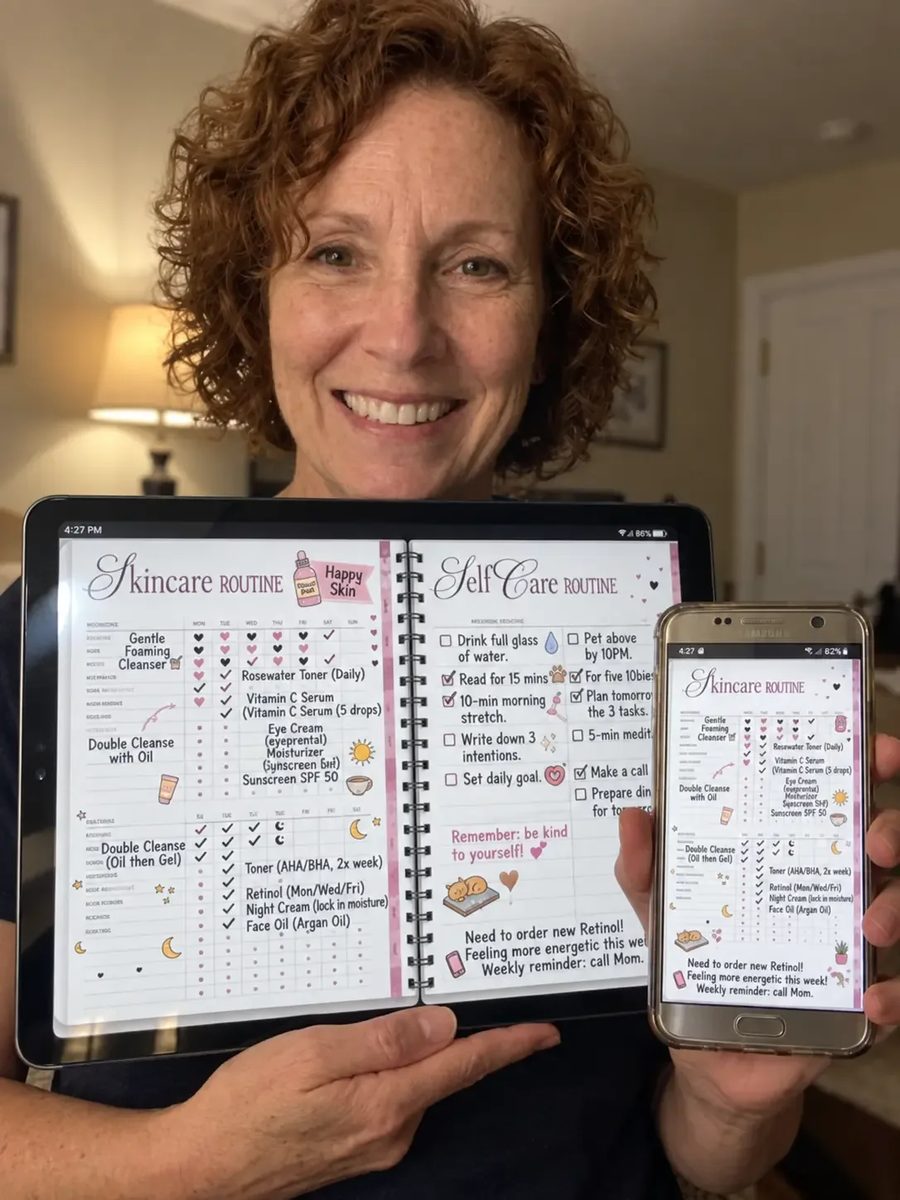
“I’ve tried several digital planners and usually stop using them after a few weeks. This one feels much easier to keep up with and has everything I actually need.”
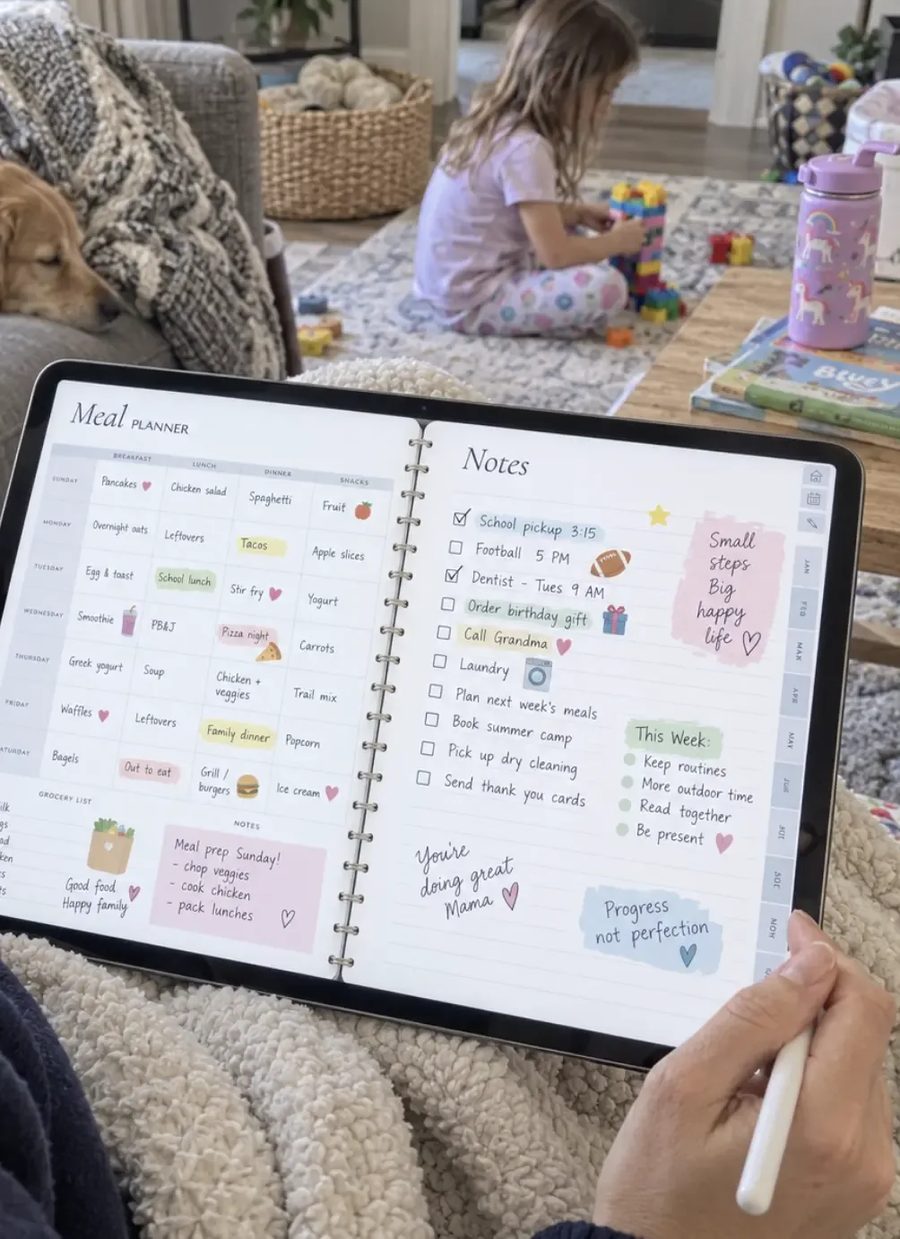
“I’m usually the person with random notes and unfinished to-do lists everywhere. Having everything together has made it so much easier to stay on top of things.”
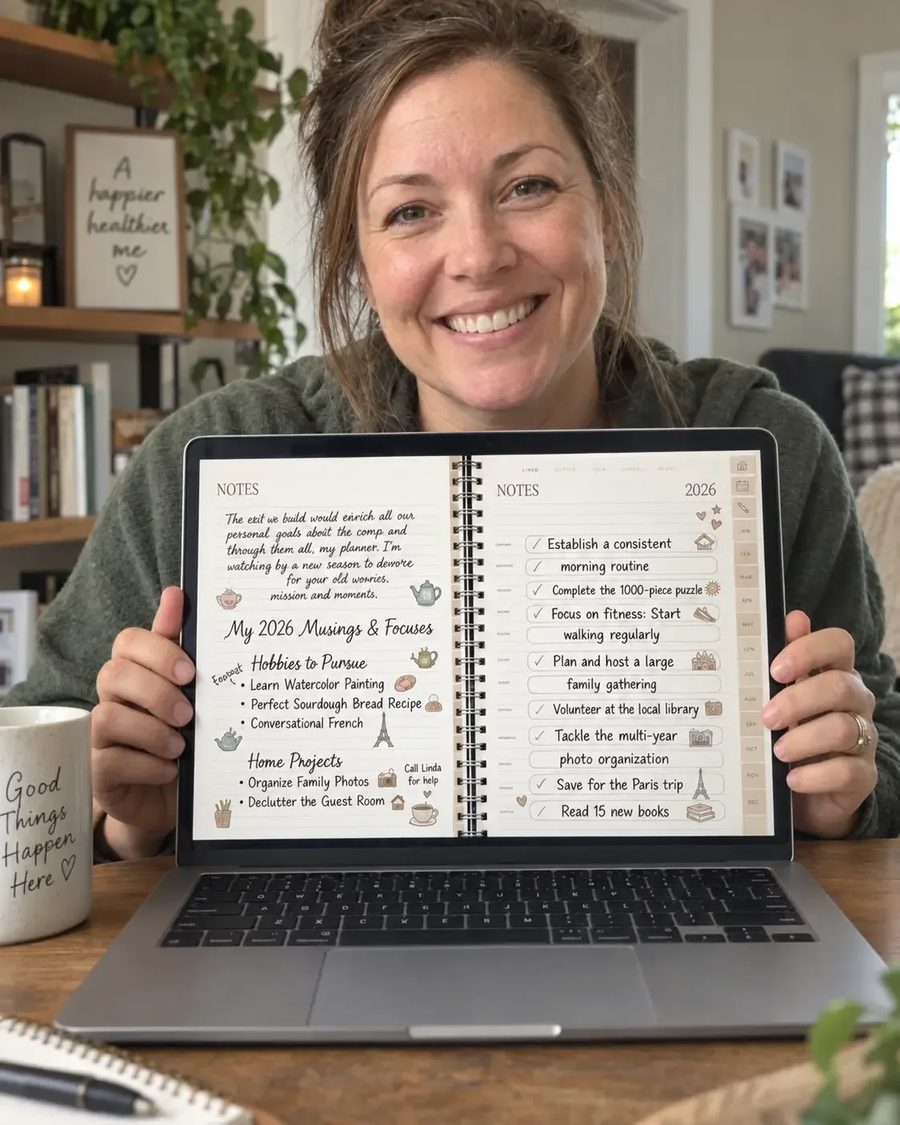
“I originally bought it because I loved the design, but it’s much more useful than I expected. I’ve been using it every day and I feel much more organized.”
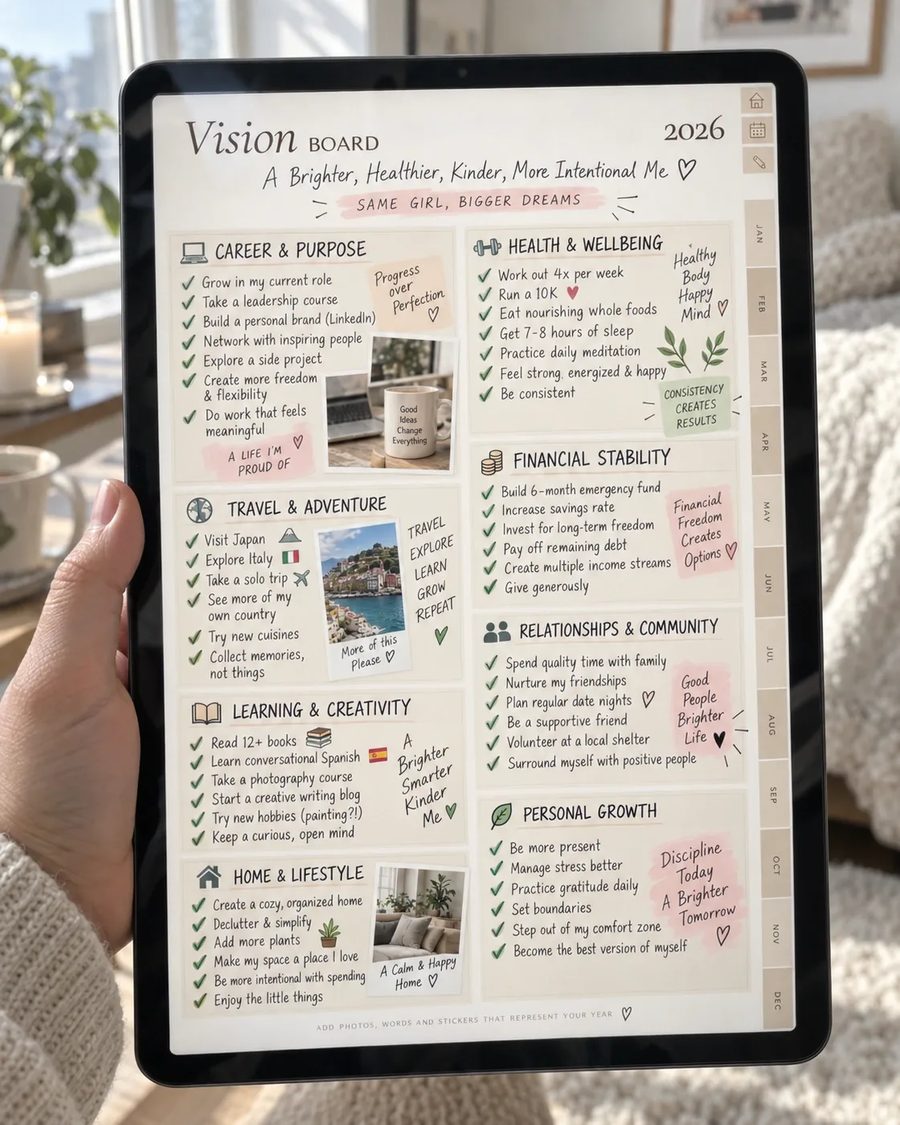
“I really like being able to organize the planner around my own routine instead of having to follow one fixed system. It actually feels like it fits the way I plan.”
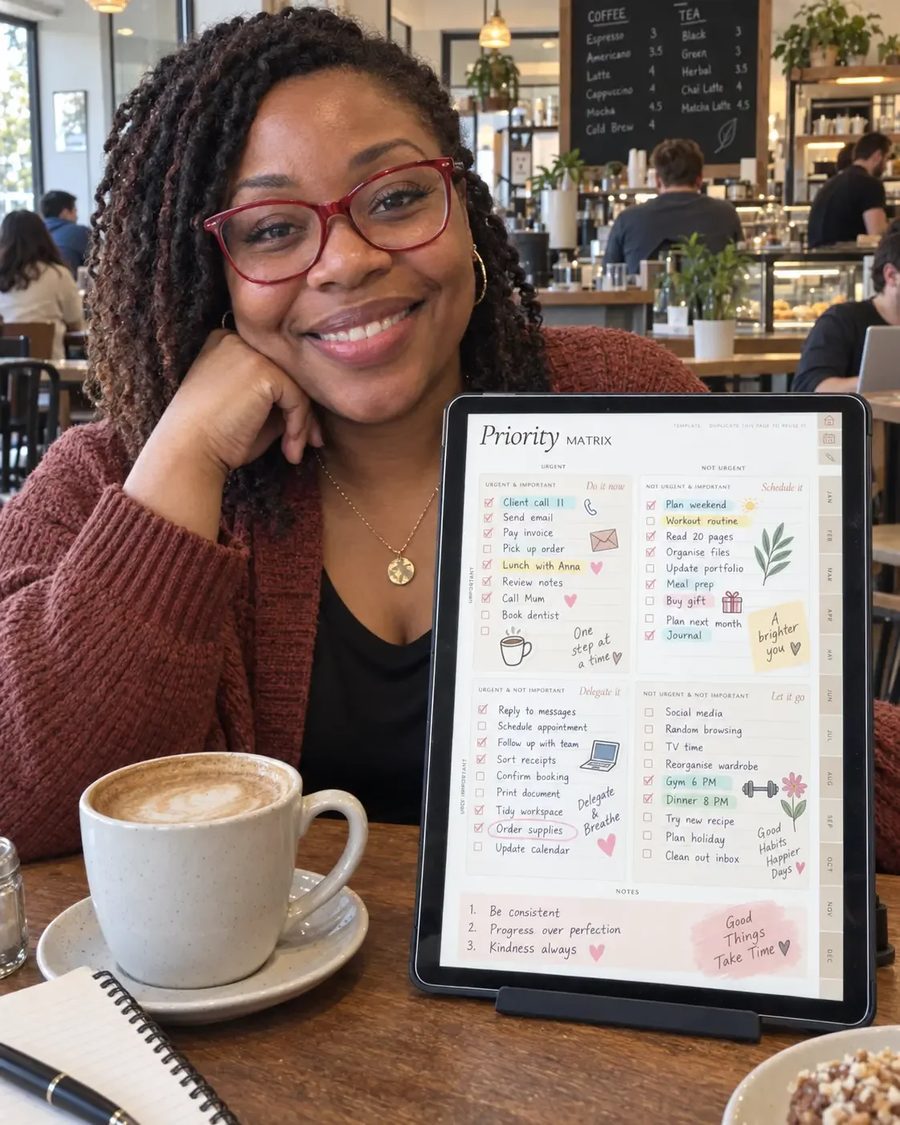
“I used to have notes on my phone, lists on paper, and reminders everywhere. Now I finally have one place where I can keep everything organized.”
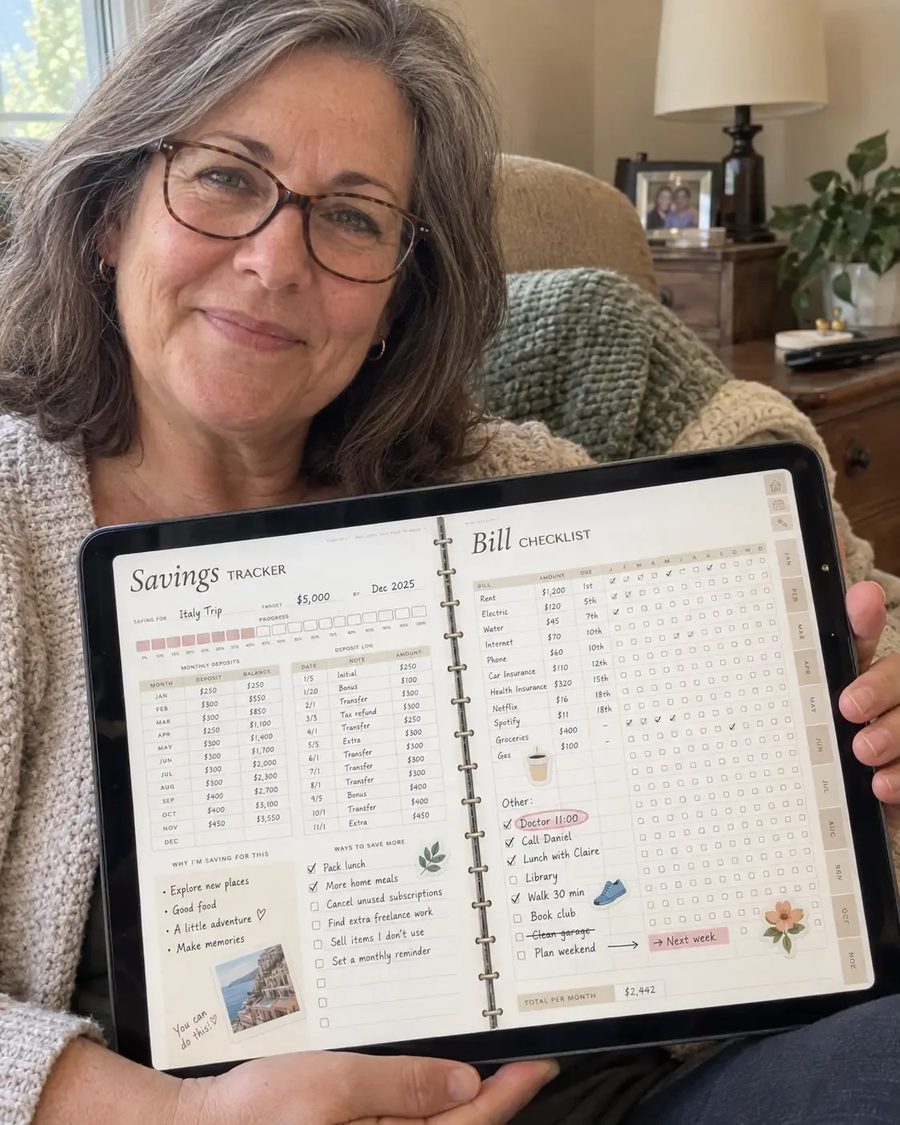
“My weeks can get pretty busy and this has made planning them so much easier. I can quickly see what I need to do without feeling overwhelmed.”
Questions
No — it's a PDF you write on with a stylus in a note-taking app on iPad, Android tablet, Windows or Mac. Nothing is shipped; you receive a download email right after checkout.
Any app that opens PDFs with links: GoodNotes (most popular), Notability, Noteshelf, Xodo (free), CollaNote (free), Samsung Notes (free), Penly. Apple Pencil, S Pen or any stylus works.
One-way: tapping the clock on a day creates that event in Google or Apple Calendar with the date filled in. The planner never reads your calendar and needs no permissions.
Pick a theme (all four are yours) → portrait or landscape → Google or Apple → the year → Sunday or Monday start. The email walks you through it and the setup guide has pictures. You can download every version as often as you like.
No. You pay once and the planner is yours — every future year is added to your download folder for free. There's nothing to renew and nothing to cancel.
Yes. Every dated year is complete, and the undated planner lets you start on any day.
Write to us within 30 days and tell us what didn't work. We'll help you set it up, walk you through the calendar buttons or the file to download — and where the planner really isn't right for you, we'll look at a refund case by case. Our full policy is in the footer.